Neoception DTI 1.2: Connect External Template Repositories Directly
Standardized submodel templates are the foundation of every Digital Twin built on the Asset Administration Shell (AAS) standard. Until now, keeping them current meant importing each one by hand whenever the IDTA or another provider released something new.
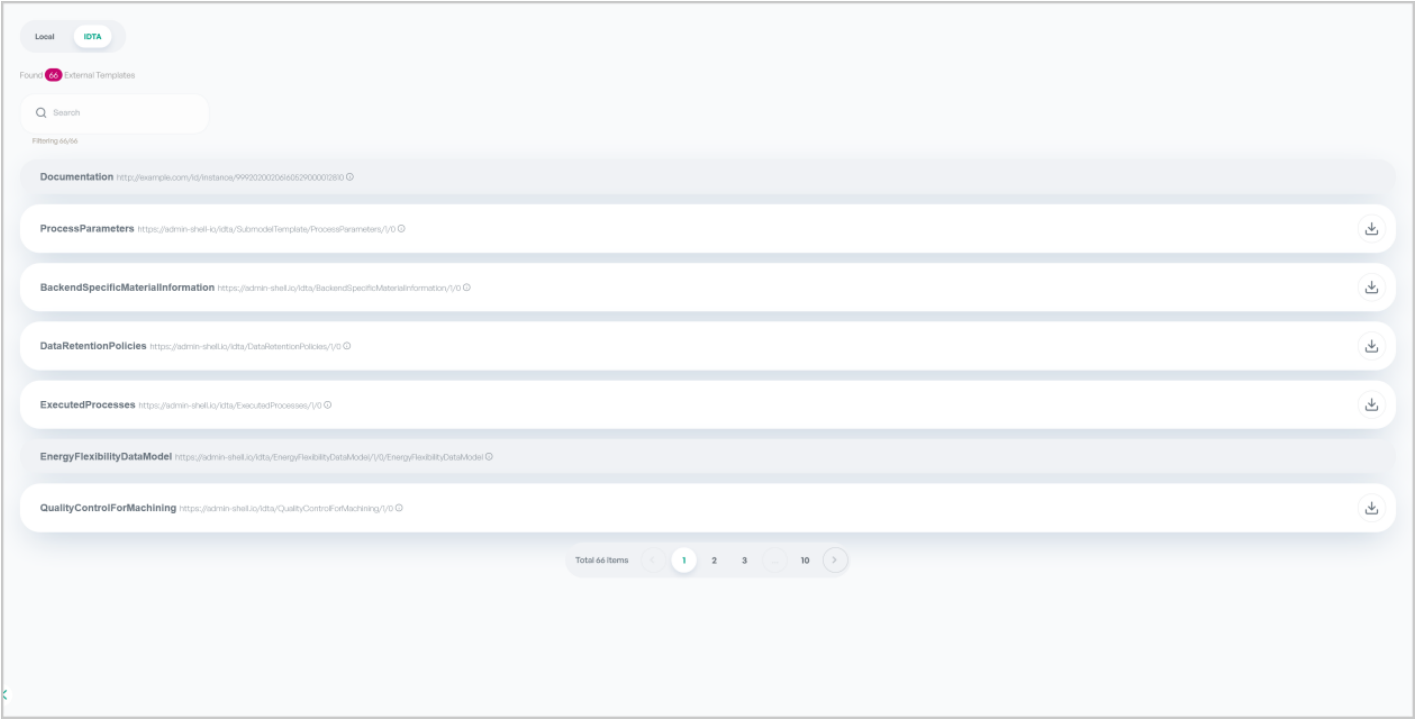
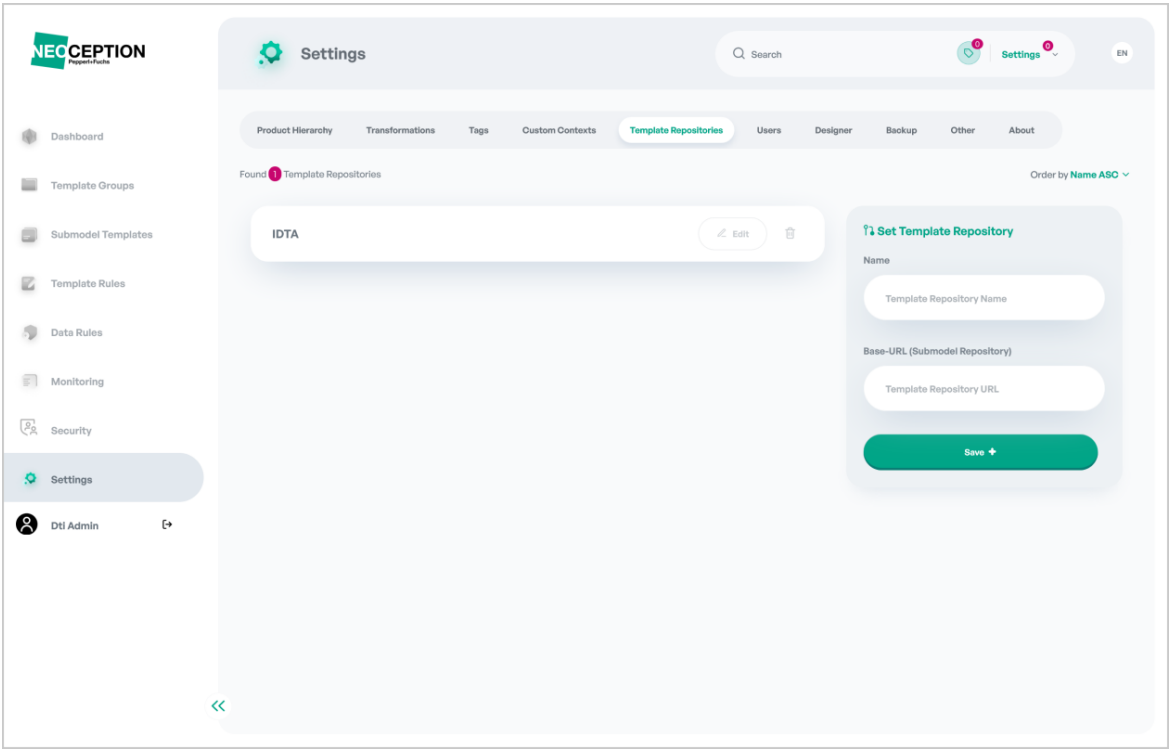
With version 1.2, the Neoception Digital Twin Infrastructure (Neoception DTI) removes that manual step. Administrators can now connect an external submodel template repository directly in the Backoffice settings, simply by entering its name and base URL. The repository then appears as its own tab next to "Local" under Submodel Templates: a searchable, paginated list of everything that source offers. Templates already present locally are greyed out, and every download is validated for structural correctness before it is added, so faulty templates are rejected automatically.
The practical effect: instead of chasing individual template files, teams get a live, browsable view of a repository's current offering, with templates just one click away.
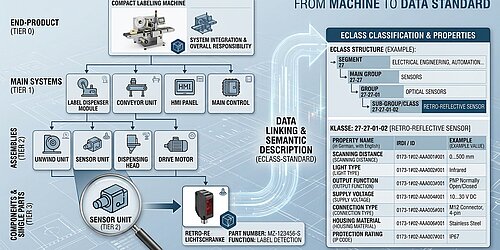
For ECLASS users, this points to an interesting use case. Product-group-specific submodels, including ones relevant to the Digital Product Passport, could be hosted in an ECLASS or BCON² repository and pulled into DTI the same way, once the BCON² API planned for this is available. One connection, standardized data, less manual searching.
Want the full picture, including RBAC, advanced data filtering and multi-connector support in DTI 1.2?
Read the complete release story on the Neoception blog: